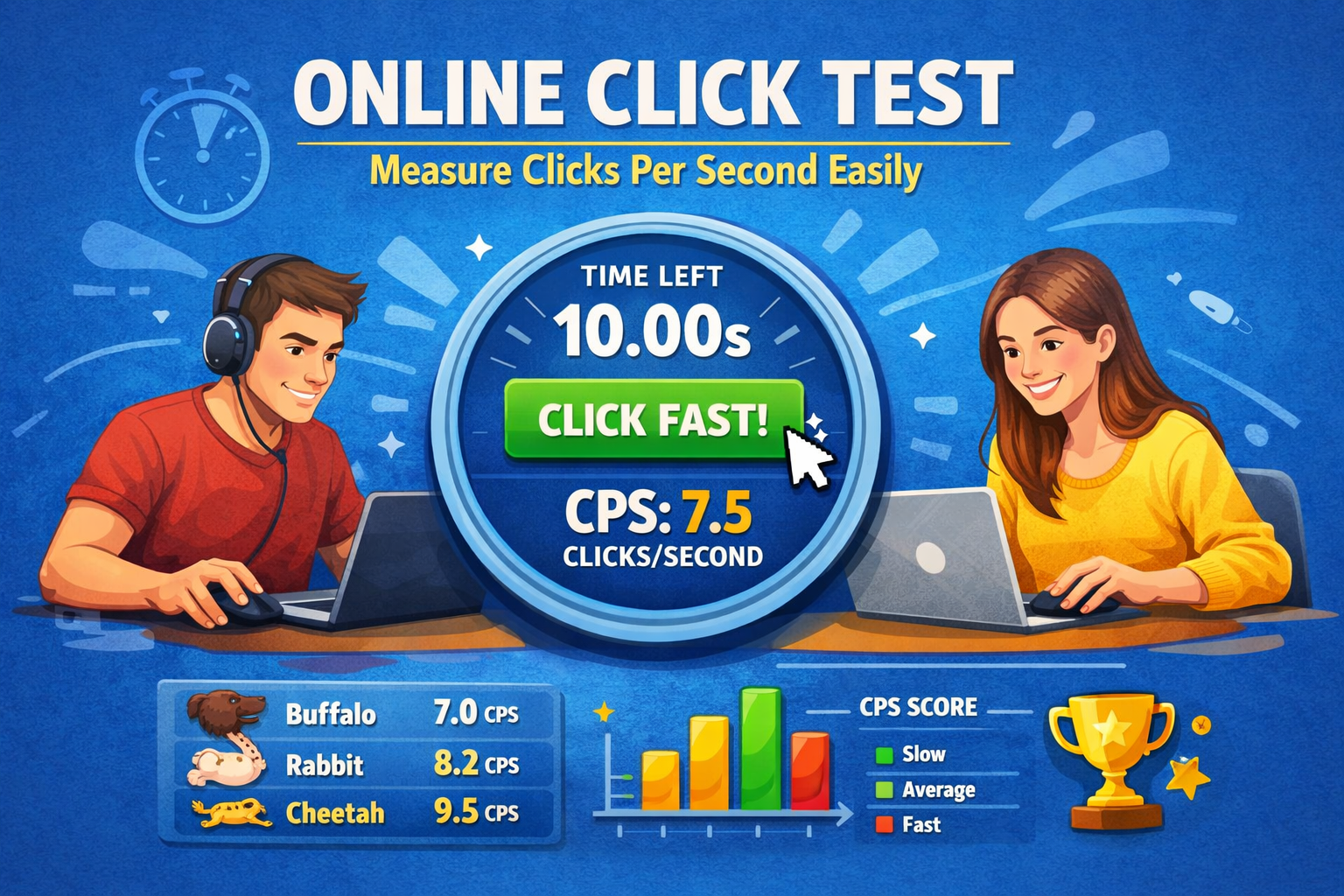
The Online Click Test is a simple tool designed to measure how fast you can click your mouse or trackpad within a specific time limit. It calculates your Clicks Per Second (CPS) and helps you understand your clicking speed, consistency, and control. Many internet users try this test out of curiosity, while gamers often use it to improve their reaction speed and mouse control.Clicking speed may seem like a small skill, but it can actually play an important role in activities that require quick reactions.
Even if you are not a gamer, the test can still be a fun way to challenge yourself and measure how quickly your fingers can move.The best part about an Online Click Test is that it does not require any special software or installation. You simply open the tool in a browser, start the timer, and begin clicking. Within seconds, you receive a result that shows how many clicks you can perform per second.
A click test, also known as a CPS test or click speed test, measures how many times you can click your mouse within a chosen time frame. The timer usually ranges from one second to one minute. During this period, the user tries to click as fast as possible, and the system calculates the final CPS score automatically.Different timer options serve different purposes. Short tests, such as one or two seconds, focus on burst speed, while longer tests, such as thirty or sixty seconds, evaluate endurance and consistency.
The idea behind these variations is to analyze different aspects of clicking ability rather than just measuring raw speed.Many people try this test repeatedly to improve their performance. Over time, regular practice helps develop better coordination between the hand and the mouse, leading to smoother and faster clicking.
Clicks Per Second is a simple mathematical measurement that shows how many clicks you can perform in one second. The formula used to calculate CPS is straightforward.Clicks Per Second (CPS) = Total Clicks ÷ Total Time in Seconds
For example, if a person clicks thirty times within five seconds, the calculation becomes thirty divided by five. This produces a CPS score of six, meaning the user clicked six times every second.Most click speed tools perform this calculation automatically, so users do not need to do any manual calculations. Once the timer ends, the system immediately shows the result.
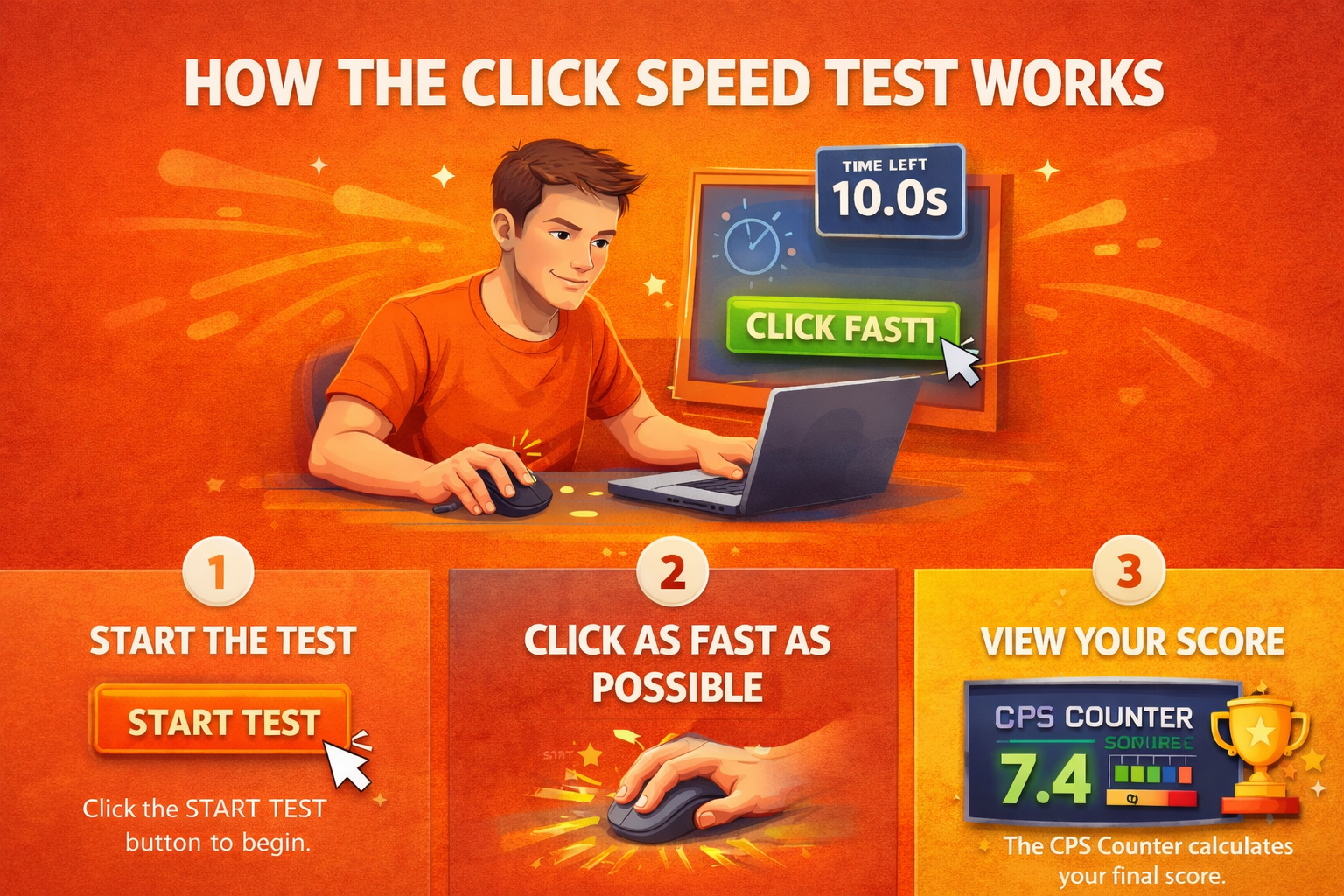
Running a click speed test is very simple and usually follows the same process on most websites. First, the user presses the start button to activate the timer. Once the timer begins, the user starts clicking rapidly using a mouse or trackpad.The goal is to click as many times as possible before the timer ends.
When the countdown reaches zero, the tool stops recording clicks and calculates the final CPS score. The result usually appears instantly on the screen.Many users repeat the test multiple times to see if they can achieve a higher score. Since clicking speed can vary depending on hand movement and rhythm, each attempt may produce slightly different results.
There are several reasons why people take a click speed test. One common reason is gaming practice. Fast clicking can sometimes help gamers perform certain actions more quickly during gameplay. This is why many players regularly practice clicking to increase their CPS.Another reason is curiosity. Many people simply want to know how fast they can click compared to others.
Testing your CPS can be surprisingly entertaining, especially when competing with friends.Some users also use the Online Click Test as a training tool to improve finger coordination and reaction speed. By practicing regularly, users often notice gradual improvements in their CPS score.
CPS scores can vary significantly depending on the user's skill level and clicking technique. Beginners usually achieve a lower CPS score, while experienced users may reach much higher numbers.Most casual users typically fall within the range of four to seven CPS. This is considered the average clicking speed. People who practice regularly often reach eight or nine CPS. Advanced techniques can push the score even higher.However, it is important to remember that CPS is not only about speed. Maintaining a steady clicking rhythm is just as important as achieving a high number.
Improving clicking speed usually involves practicing specific techniques. The most common method is regular clicking, which uses a single finger to press the mouse button repeatedly. This is the easiest technique and is suitable for beginners.Another method is butterfly clicking, which uses two fingers alternately to press the mouse button. Because two fingers are involved, this technique can significantly increase clicking speed once the user develops a steady rhythm.More advanced users sometimes try jitter clicking.
This technique involves creating a small vibration in the hand and arm to generate extremely rapid clicks. While it can produce high CPS scores, it requires practice and control to perform safely.Drag clicking is another technique that relies on friction between the finger and the mouse button. When done correctly, it can produce a burst of very fast clicks, although not all mice support this method.
While improving clicking speed can be fun, it is important to avoid overexertion. Repeating rapid clicking motions for long periods can strain the muscles in the hand and wrist.Some users experience discomfort if they practice advanced techniques too aggressively. Taking short breaks, stretching the fingers, and maintaining a relaxed hand position can help prevent strain.Maintaining proper posture and using a comfortable mouse also contributes to safer practice sessions.
For many users, clicking speed is simply a fun skill to test and improve. However, in certain gaming situations, faster clicking can sometimes provide a small advantage. For example, some actions in competitive games may register faster when clicks occur rapidly.Despite this, CPS alone does not determine success in games. Skills such as accuracy, timing, and strategy often play a much larger role.
The Online Click Test is an easy and entertaining way to measure how fast you can click and evaluate your CPS score. It requires no downloads, works on almost any device, and provides instant results.Whether you want to improve your clicking speed for gaming or simply test your reaction ability, the tool offers a quick and engaging challenge. With consistent practice and proper technique, many users gradually increase their CPS and develop better control over their mouse movements.Ultimately, the goal is not just achieving a high score but enjoying the process of improving your speed and coordination.